
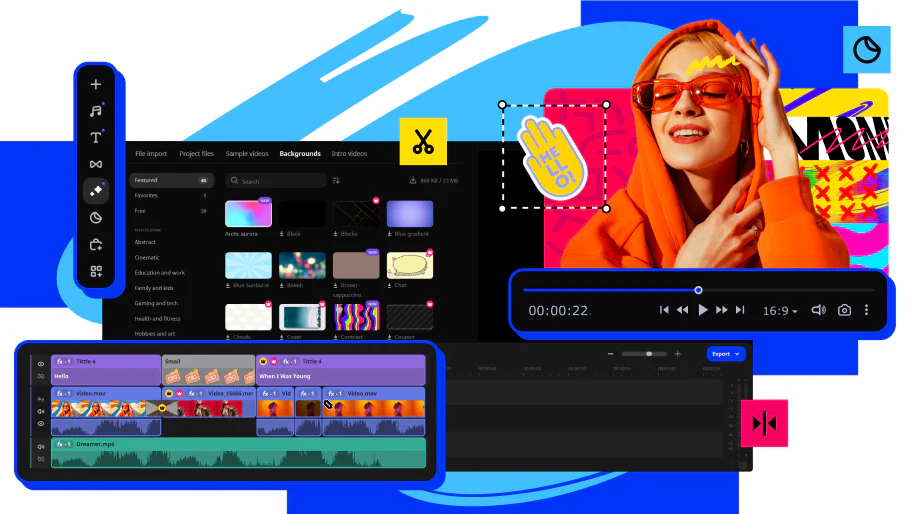

Drag &Drop Timeline
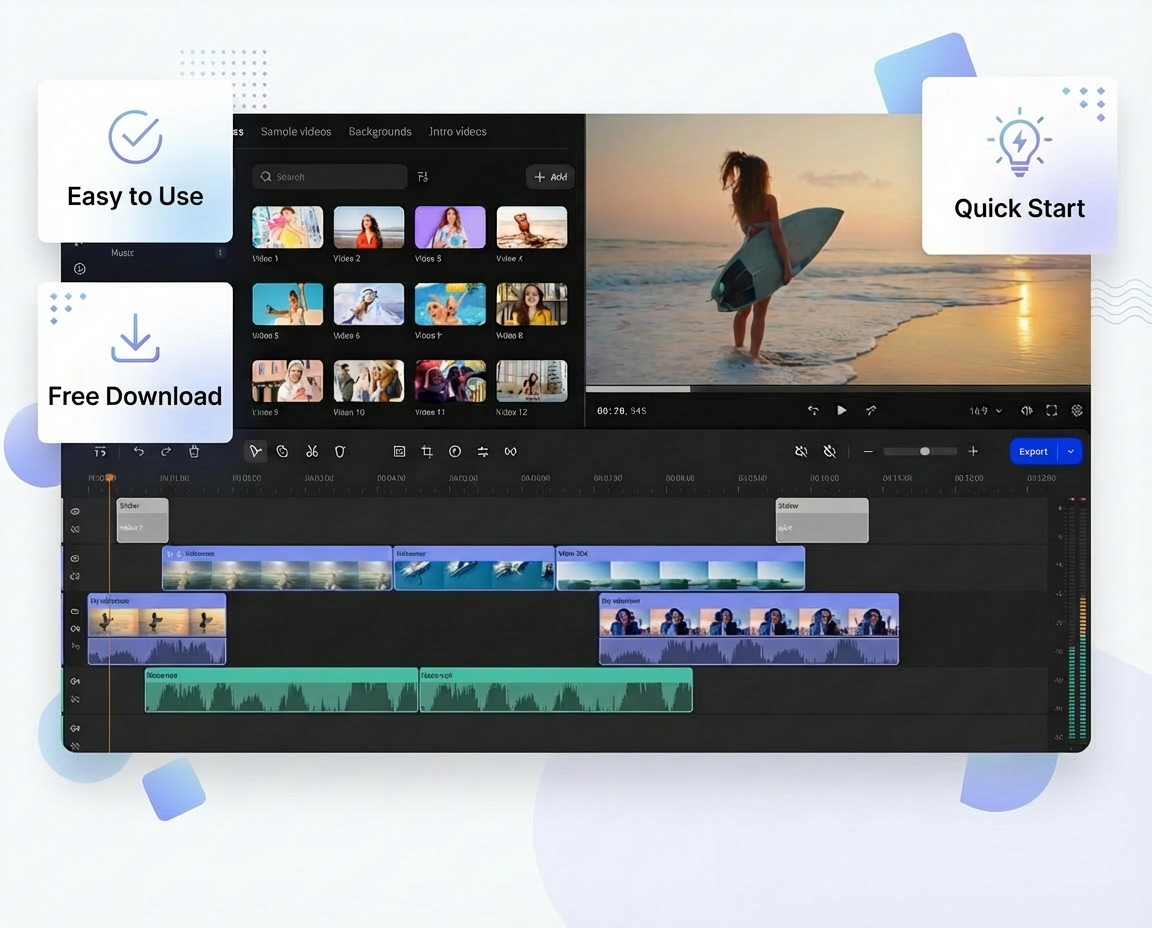
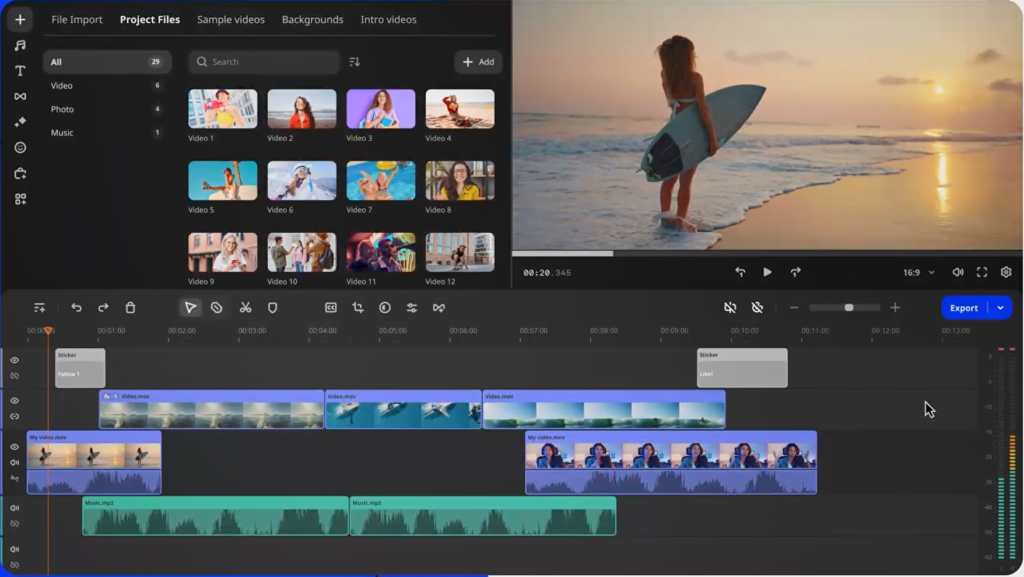
Just like iMovie, the heart of Movavi Video Editor is a straightforward, multi-track timeline where you build your story visually. Drag and drop your clips, photos, and audio files directly onto the timeline and start editing immdiately.

One-click Magic
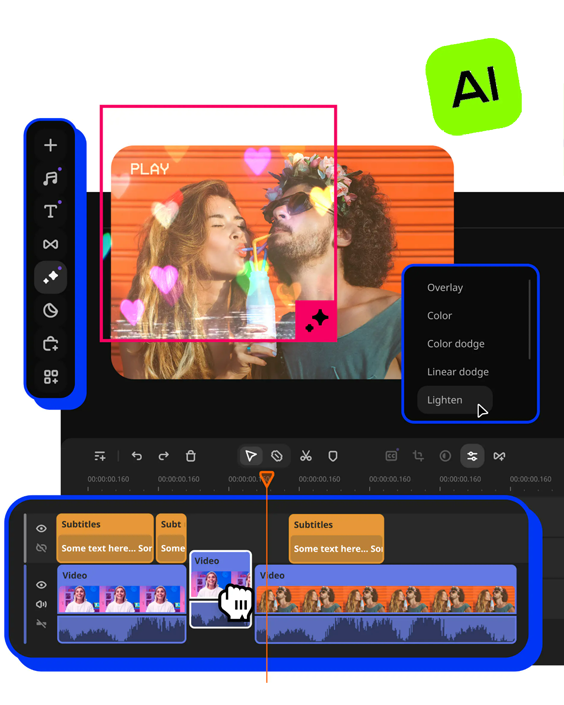
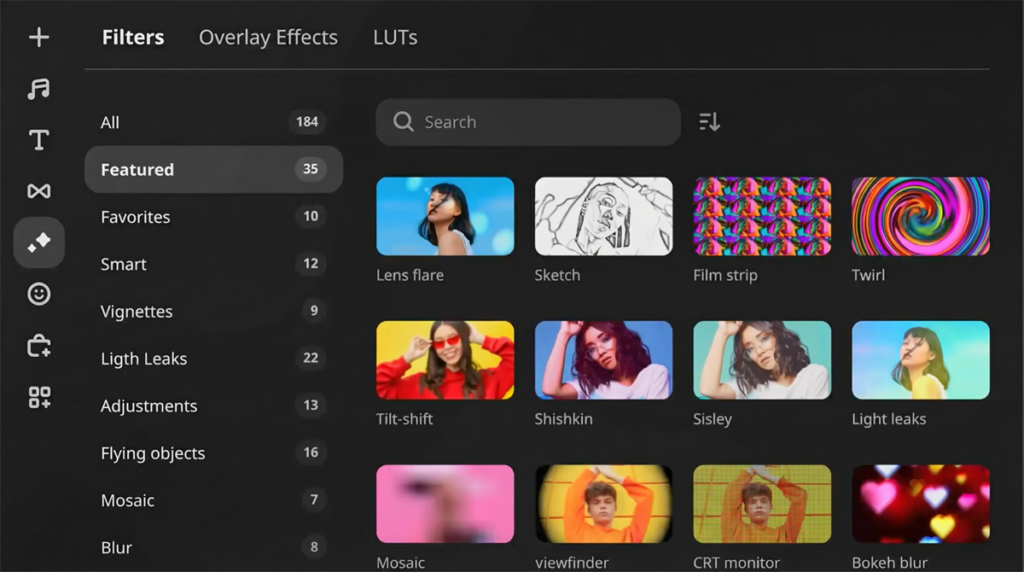
iMovie excels with its quick-fix tools, and Movavi matches this perfectly. Our one-click “Magic” feature automatically corrects color, brightness, and stability. Apply polished filters, transitions, and stylish titles with ease.

Built-in Media Library
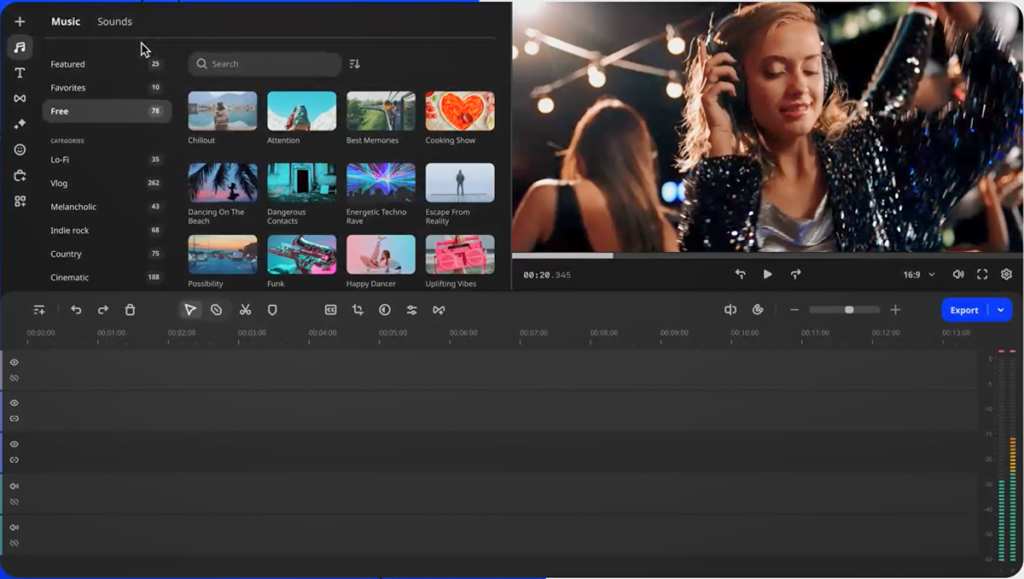
Never hunt for assets again. Movavi Video Editor comes packed with a vast, built-in collection of royalty-free music tracks, sound effects, animated stickers, and title animations – much like iMovie’s integrated media browser.

Advanced Tools
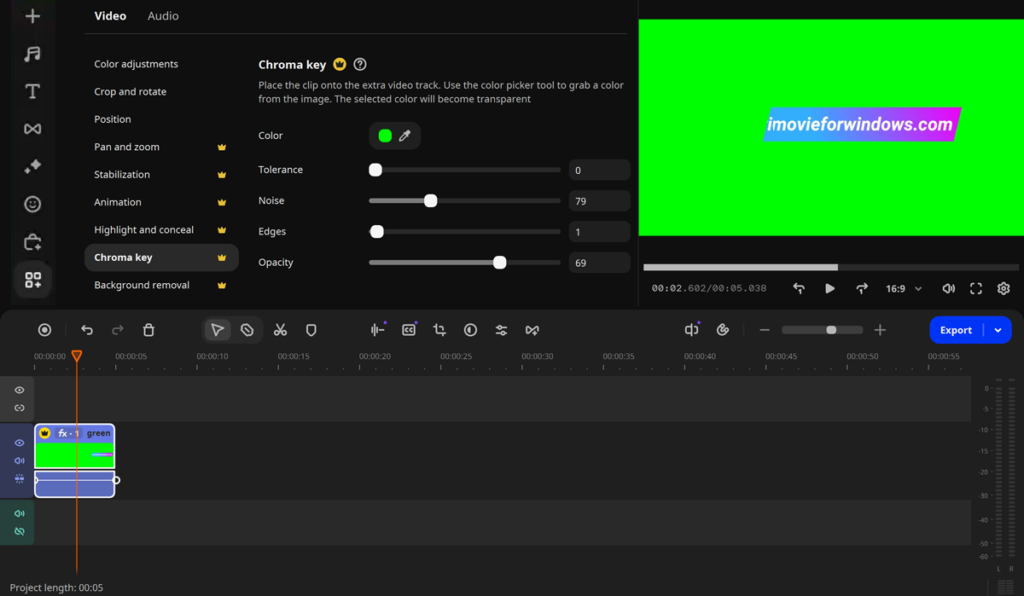
Movavi brings iMovie’s approach to advanced features: making them accessible. Easily use the green screen for cool background replacements, create picture-in-picture effects, and finely adjust audio levels with a clear, integrated mixer.
Why Choose Our Video Editor for Windows
Windows users deserve a video editor that is both powerful and easy to use. Movavi Video Editor is designed from the ground up to be the best iMovie alternative for Windows, offering a seamless blend of simplicity and creative control.
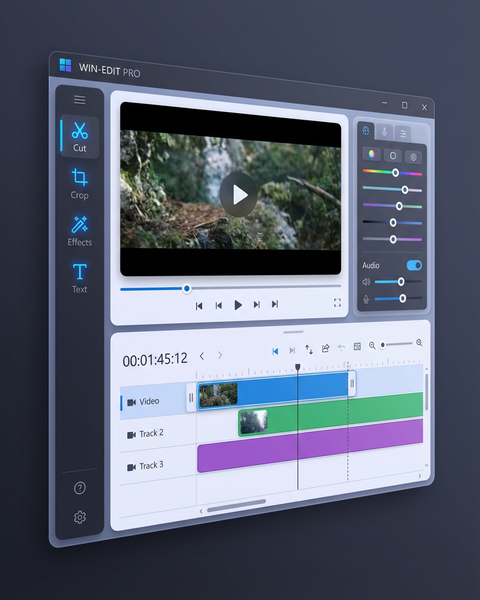
Windows Native
One of the best alternatives to iMovie for PC, fully optimized for Windows 10 and 11 for smooth performance.
Greater Creative Freedom
Often praised for offering more effects & custom options while remaining user-friendly.
No Learning Curve
Transition seamlessly from iMovie or start fresh as a beginner, then become professional fast.
AI Video Editor Alternative to iMovie for PC
Tired of manual, time-consuming editing tasks? Movavi Video Editor integrates powerful artificial intelligence (AI) to automate complex processes, making professional editing accessible to everyone. The AI tools included in this iMovie for Windows alternative are designed to handle the heavy lifting, so you can focus on storytelling and creativity. Movavi Video Editor doesn’t just match iMovie’s simplicity; it enhances it with smart, time-saving AI features for Windows.

Automatic Subtitles
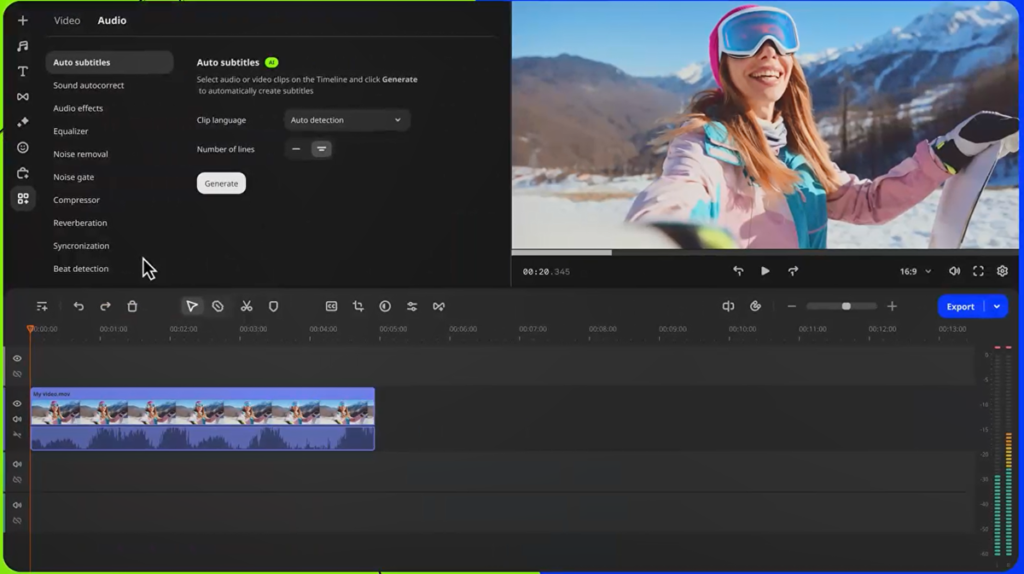
Still typing your subtitles letter by letter? Movavi Video Editor makes it easier than ever with its cutting-edge AI technology – Instantly convert your speech into captions so you don’t need to manually input texts.

AI Noice Removal
Bad audio ruins good video. Movavi’s AI noise removal tool listens to your audio track and intelligently isolates and removes unwanted background noise – like wind, hum, or crowd chatter – while preserving the clarity of the main speech or sound.

AI Background Removal
Forget the complex setup of a traditional green screen. Movavi’s AI-powered background remover intelligently detects and separates the subject from the background in your clips. Simply apply the effect, and the AI handles the rest.
Is Movavi Better Than iMovie?
Here is a side-by-side comparison table highlighting the key differences and similarities between Movavi Video Editor and iMovie.
| Feature | Movavi Video Editor | iMovie |
| Platform | Windows & macOS | macOS & iOS only (Apple ecosystem exclusive) |
| Price | Free and Paid (no watermark). | Completely free for Apple device owners. |
| Ease of Use | Very intuitive with a drag-and-drop interface. Designed to be easy for beginners, similar to iMovie. | Extremely intuitive and user-friendly, often cited as the gold standard for simple editing. |
| Key Features | • AI tools (background removal, auto subtitles • Motion tracking • More advanced color grading • Wider format support | • Seamless Apple ecosystem integration (Photos, GarageBand) • Magic Movie & Storyboards (automated editing) • Green-screen (Chroma Key) |
| Media Library | Large built-in library of royalty-free music, sound effects, titles, stickers, and transitions. | Solid built-in library with soundtracks and effects, plus direct access to your Apple Music library. |
| Advanced Tools | Offers more prosumer features: picture-in-picture, detailed audio controls, customizable keyframing. | Focuses on simplicity; advanced options are more limited or require moving to Final Cut Pro. |
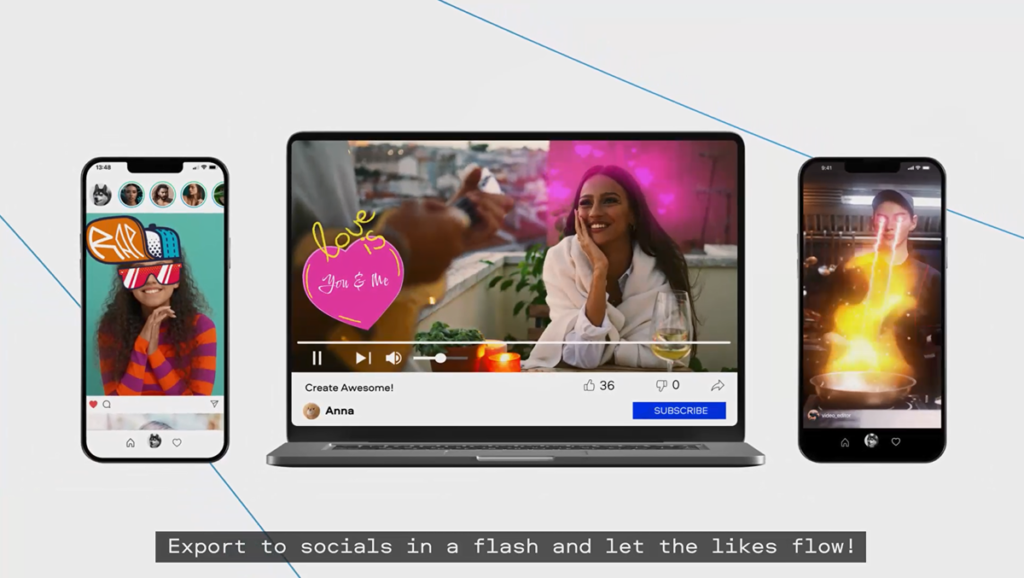
| Export & Sharing | Extensive control over format, codec, and resolution. Direct export to social platforms and devices. | Optimized for Apple sharing (QuickTime, Apple devices) and social media. Simpler, fewer technical options. |
| Best For | • Windows users wanting an iMovie-like experience. • Users wanting more features while keeping simplicity. • Those who need to edit on both Windows and Mac. | • Apple-exclusive users who prioritize seamless integration. • Absolute beginners wanting a completely free, no-fuss editor. • Quick, automated edits using Magic Movie. |
| Overall Verdict | The most powerful “iMovie-like” alternative for Windows. It adds useful AI and advanced tools while maintaining an accessible interface. Ideal for stepping up from basic editing without professional complexity. | The perfect, seamless editor for the Apple ecosystem. Unbeatable for free, simple, and fast editing when you live entirely within Apple’s world. |
Screenshots of iMovie for Windows Alternative
Want to take a closer look at this iMovie for Microsoft Windows alternative video editor? Click the arrow button on both sides to view more screenshots of Movavi Video Editor, and then download it to your Windows PC for free trial.
System Requirements of iMovie for Windows
Make sure your Windows computer is compatible with Movavi Video Editor 2026. Don’t worry. Most computers are much more better than the minimum requierments of our alternative to iMovie for Windows. Just give it a try.
| Component | Minimum Requirements (Windows) | Minimum Requirements (macOS) |
| Operating System | Windows 7/8/10/11 (64-bit) | macOS 10.13.6 or higher |
| Processor (CPU) | Intel®, AMD®, or compatible processor, 1.5 GHz | Intel-based Apple computer |
| (2-core for HD, 4-core for 4K) | Apple Silicon (M-series) is supported | |
| RAM (Memory) | 2 GB (4 GB recommended for HD, 8 GB for 4K) | 2 GB (4 GB recommended for HD, 8 GB for 4K) |
| Graphics (GPU) | Display with 1280×768 resolution, 32-bit color | Display with 1280×768 resolution, 32-bit color |
| Sound Card | DirectX 9.0c compatible sound card | Built-in or compatible sound card |
| Hard Drive Space | 600 MB for installation, 2 GB for ongoing operations | 600 MB for installation, 2 GB for ongoing operations |
Additional Notes:
- These are the minimum requirements for basic functionality. For smooth editing of HD, 4K, or 60 FPS footage, significantly higher specifications (especially for CPU, RAM, and a dedicated GPU) are strongly recommended.
- An active internet connection is required for software activation, registration, and access to some online features like the stock media library.
- For Windows Vista and Windows XP, the latest version of iMovie for Windows alternative is unavailable. However, you’re able to get the older version on Movavi’s official website.

“Looking for iMovie on Windows? Movavi Video Editor is the closest match you’ll find. It feels instantly familiar because it’s built with the same intuitive, drag-and-drop timeline. Just like iMovie, it offers one-click magic tools to enhance your footage instantly, plus a huge built-in library of music, sounds, and titles so you can create without searching the web.”
Wade Warren